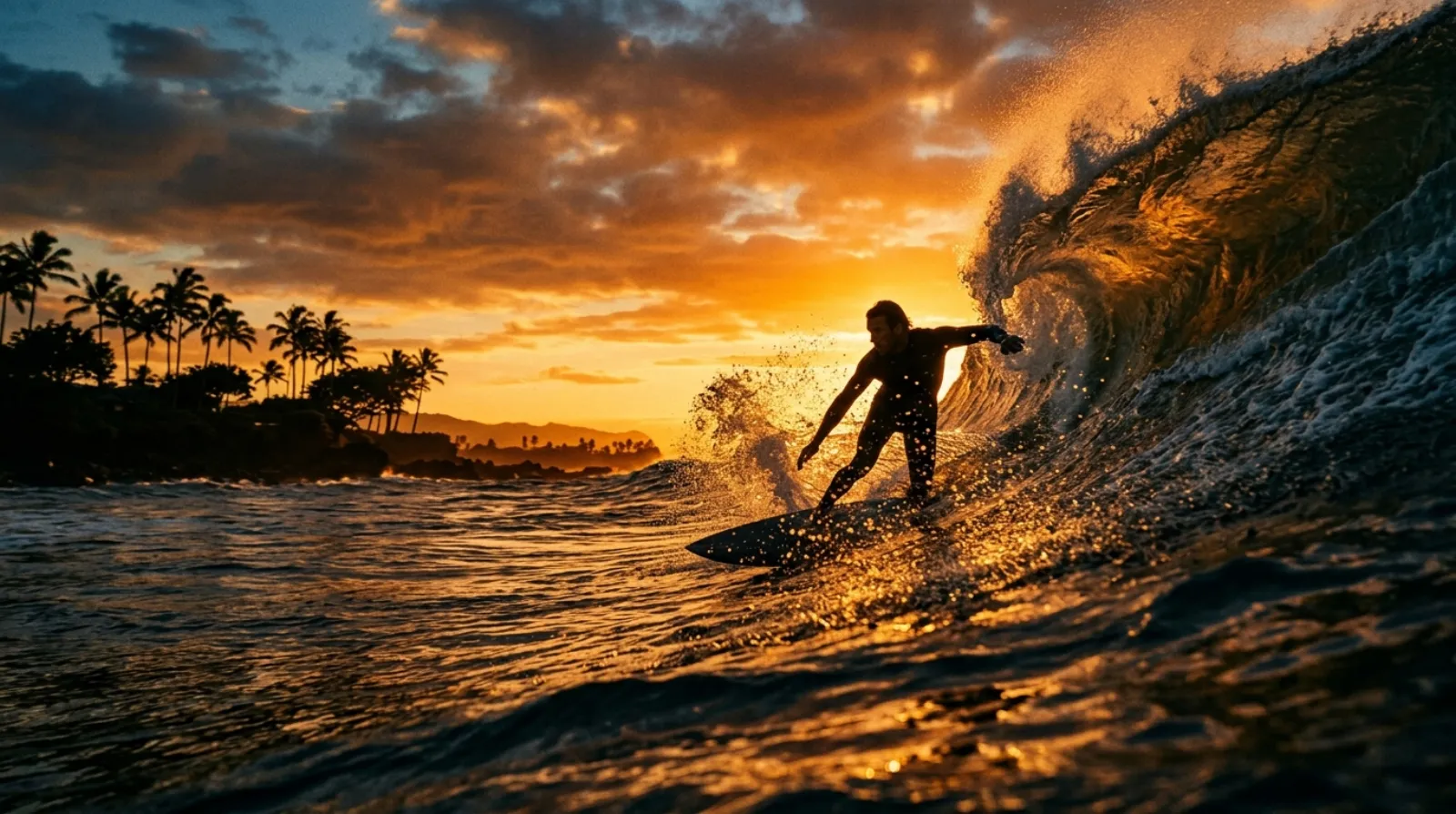
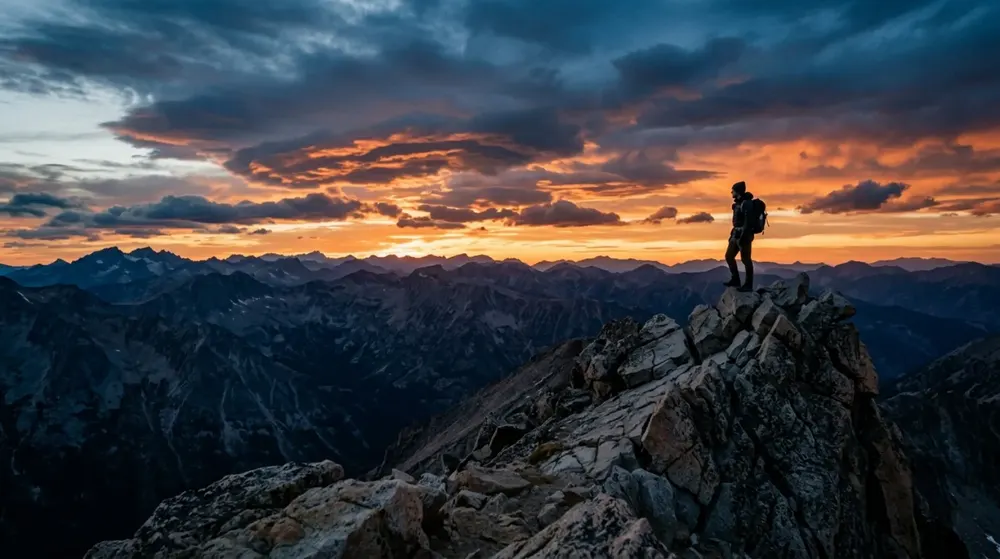
Need a reference for AI?
Download the frame and use it as a starting point to create images and videos.
Extract frames from video
Pick the moment and download the image at its original resolution. Free.
Use it as an AI reference, in thumbnails or in your posts.
Versão em português →Start with your video
Drag the file here or click to choose.
MP4, MOV or WEBM · Up to 200 MB
Download the frame and use it as a starting point to create images and videos.
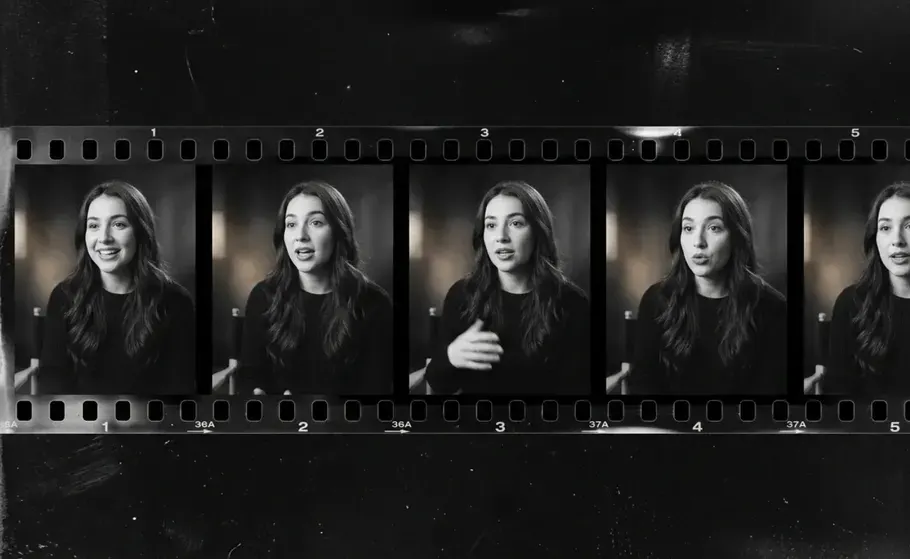
Pick the best expression straight from your video.
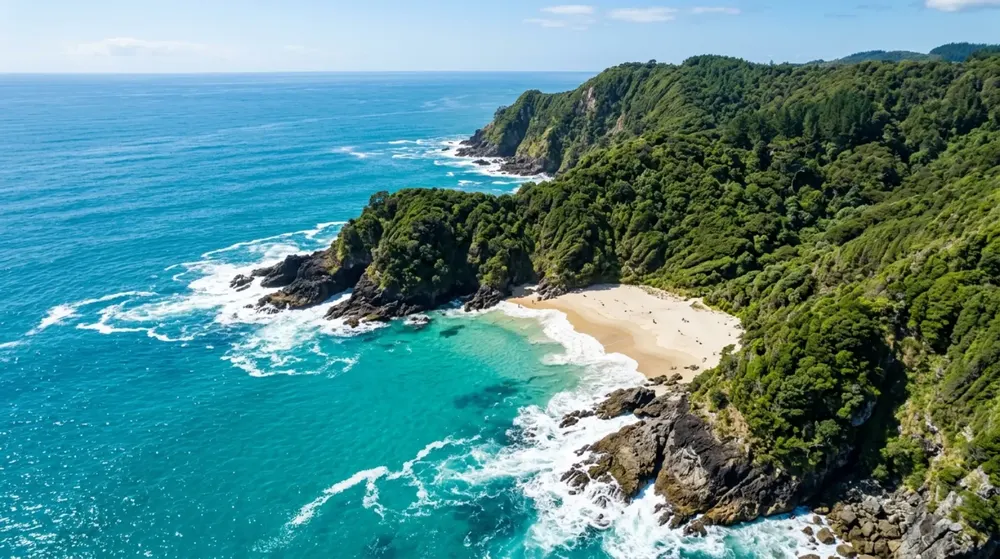
Save the image and take it to Canva, a post or a presentation.
Use the player to pause at the exact instant and click "Save this frame". To compare options, pick a short interval such as 1 per second and the sample strip shows several frames side by side, each with its own download button.
A screenshot captures what is visible on screen, often at a lower resolution and with interface elements on top. Extracting frames accesses the video directly and saves the frame at its original resolution, with nothing on top.
Yes. The "Download all" button bundles all generated frames into a single ZIP. For long videos with a short interval there is a cap on frames per batch, to keep the browser from freezing.
JPG and PNG. JPG is lighter and great for covers and thumbnails. PNG has no quality loss and is better when you plan to edit heavily on top. When in doubt, JPG works.
No. The video is opened directly in your browser and nothing is sent anywhere. That is why you can use it on a video you have not published yet.
Up to 200MB. If your file is larger, export a shorter clip from your editor before using the tool.
It works with MP4, MOV and WEBM, which is what phone cameras and most editors export. AVI is not supported by browsers. If your file is AVI, export it as MP4 in your editor first.
Yes. Extraction happens on the device itself, so you can do it on the same phone you filmed on. The thumbnails appear at a reduced size to stay light, and each download comes out at full resolution.
The most direct way is to pause the player at the right moment and use "Save this frame". To dig through several instants, use a short interval and the sample strip shows options close together; then just download the right one.
For saving the best moment of a video as a photo, creating YouTube and Reels thumbnails, picking the right frame for a product shot, keeping a moment from a recording or building visual references.
The frame comes out at the original video resolution. With JPG there is the format's natural compression, at high quality. With PNG there is no loss at all.
No. Everything happens inside the browser, so there is no program to download and no extension to enable. Downloads come out with no watermark.
See also: Background remover